Skip to content

Resources & Remote Support

Resources & Remote Support

Get help in minutes with a secure remote support session, or download our free guides and checklists for businesses and condominium corporations.

Instant Remote Support

Get help on your screen in minutes

When you call our support line, your technician will ask you to start one of these tools so they can see your screen and fix the problem with you.

  1. 1 Call +1 (647) 229-9247Tell our helpdesk what is happening.
  2. 2 Launch a Remote Tool BelowQuick Assist on Windows, or RustDesk / AnyDesk on Windows & Mac.
  3. 3 Share Your Session CodeRead your ID or code to your technician—they will take it from there.
Recommended for Windows • Built-In

Microsoft Quick Assist

Built-in for Windows 10 & 11

Official Microsoft remote assistance tool pre-installed on Windows 10 and 11. Click below to launch it directly, or press Ctrl + Win + Q on your keyboard.

  1. 1Open Quick Assist with the button below or Ctrl + Win + Q.
  2. 2Under Get help, enter the security code your Trillium technician reads to you.
  3. 3Review the request and allow screen sharing when prompted.

Windows 10 & 11 only. With Quick Assist, your technician gives you the code.
Cross-Platform • Zero Setup

RustDesk Remote Support

Modern TeamViewer alternative – Windows & Mac

Our fast, secure, open-source TeamViewer alternative with zero session limits. Download the quick client, open it, and read your 9-digit ID & One-Time Password to your Trillium technician.

  1. 1Download the client. On the download page, pick the .exe for Windows, or the .dmg for Mac (aarch64 for Apple silicon, x86_64 for Intel).
  2. 2Open RustDesk. On a Mac, allow the Screen Recording and Accessibility permissions it asks for.
  3. 3Read your ID and One-Time Password to your technician.

Downloads come from RustDesk’s official GitHub releases page.

Lightweight Client • Windows & Mac

AnyDesk Remote Support

Universal fallback – Windows & Mac

Instant remote desktop assistance without requiring administrative installation. Run the file and share your 9-digit AnyDesk Address with our helpdesk.

  1. 1Download and run AnyDesk—no installation required.
  2. 2Read the AnyDesk Address shown on screen to our helpdesk.
  3. 3Click Accept when the connection request appears (on a Mac, allow the permissions macOS asks for).

Downloads come from AnyDesk’s official website.

Stay safe with remote access

Only start a remote session after you have called Trillium at +1 (647) 229-9247 or we have arranged one with you. Never share a code with someone who contacts you unexpectedly claiming to be tech support. You can end a session at any time by closing the app.

Guides & Checklists

Free downloads for businesses & condo boards

Practical, printable guides from our team. No sign-up required.

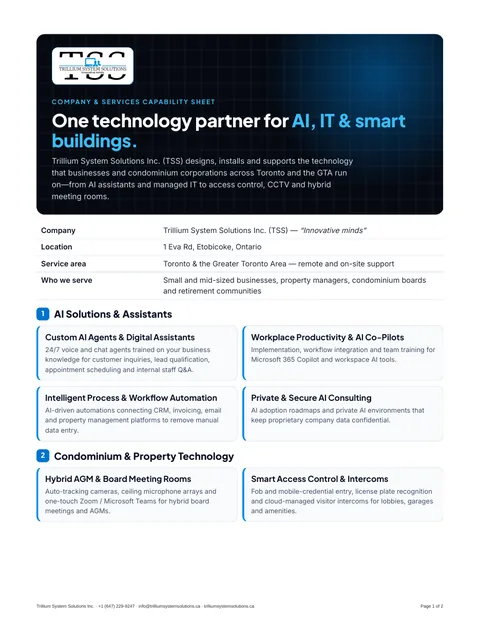
First page of the Company & Services Capability Sheet PDF
For procurement & boards

Company & Services Capability Sheet

Trillium System Solutions at a glance: our AI, condo technology and managed IT services, how we work, and how to reach us.

PDF2 pages197 KBPrintable

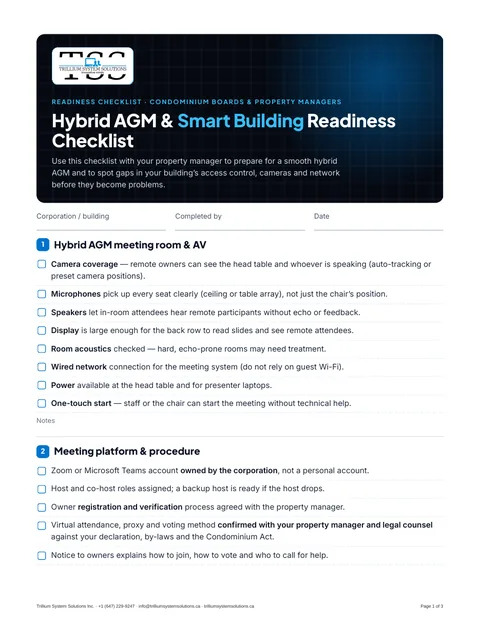
First page of the Condo Board Hybrid AGM & Smart Building Readiness Checklist PDF
For condo boards & property managers

Condo Board Hybrid AGM & Smart Building Readiness Checklist

A 41-point checklist for hybrid AGMs, access control, CCTV, building networks and vendor documentation.

PDF3 pages175 KBPrintable

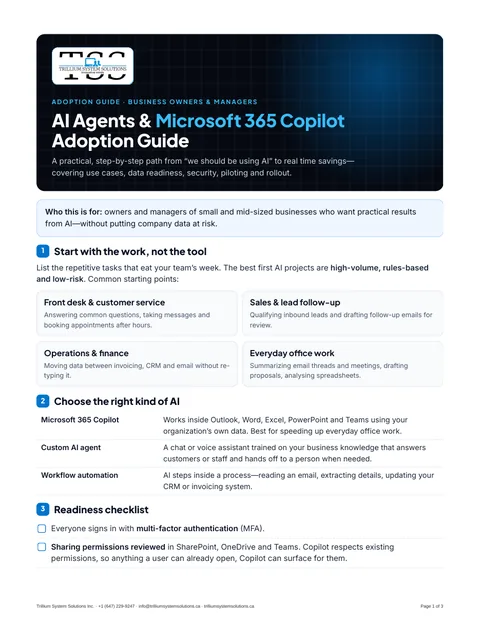
First page of the Business AI Agents & Microsoft 365 Copilot Adoption Guide PDF
For business owners & managers

Business AI Agents & Microsoft 365 Copilot Adoption Guide

Pick the right first AI project, prepare your data and permissions, run a pilot, and roll out safely. Includes a planning worksheet.

PDF3 pages135 KBPrintable

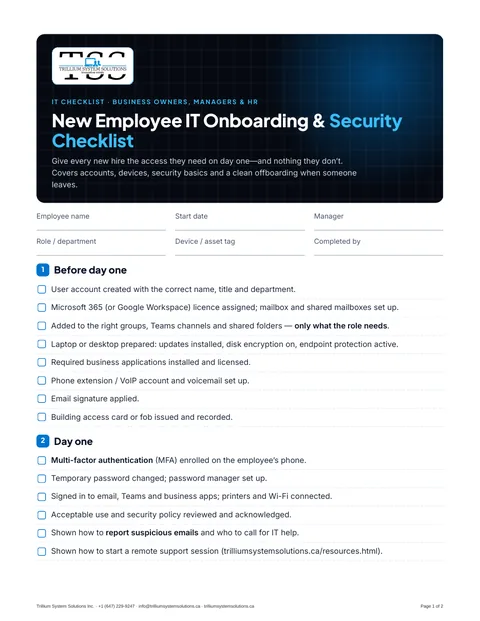
First page of the New Employee IT Onboarding & Security Checklist PDF
For managers & HR

New Employee IT Onboarding & Security Checklist

Accounts, devices, MFA and security basics for every new hire, plus a clean offboarding checklist for when someone leaves.

PDF2 pages144 KBPrintable

FAQ

Common questions

Which remote support tool should I use?

On Windows 10 or 11, Quick Assist is usually fastest because it is already installed. On a Mac, or if Quick Assist is not available, use RustDesk. AnyDesk is a reliable fallback for both. Your technician will tell you which one to open.

Is remote support safe?

A session only starts when you share your code or accept the connection, and you can see everything the technician does. You can end the session at any time by closing the app. Only start a session after you have contacted Trillium yourself.

Do I need to install anything?

Quick Assist is built into Windows 10 and 11. AnyDesk and RustDesk can run straight from the downloaded file. On a Mac, you will need to allow screen sharing permissions the first time.

Are the guides really free?

Yes. Download, print and share them with your team, board or property manager. If you would like help acting on a checklist, book a consultation.

Need help right now?

Call our support line and a technician will walk you through starting a remote session.